How to Dropship Custom Products on Shopify with MOQ 1

Let me be straight with you: when I first started looking into print-on-demand, I assumed I'd need to order at least 50 units of something before a supplier would take me seriously. That's just how manufacturing works, right?
Turns out — not anymore.
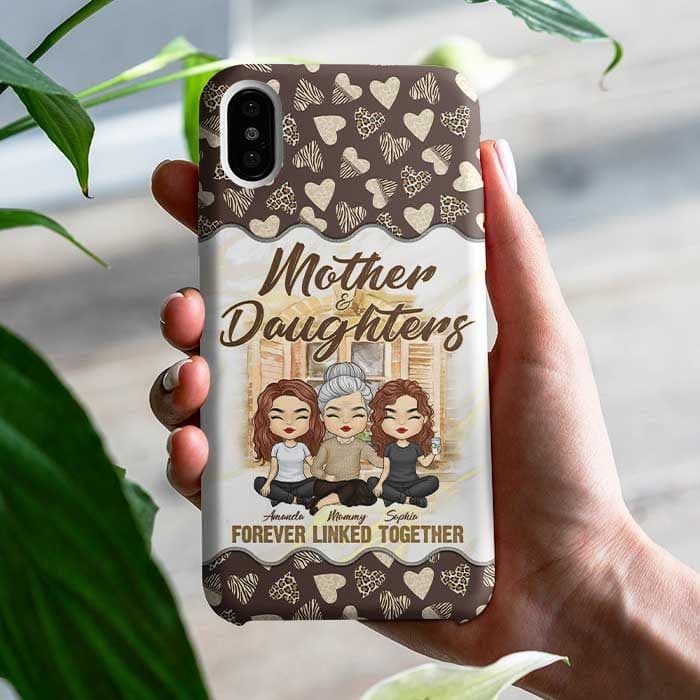
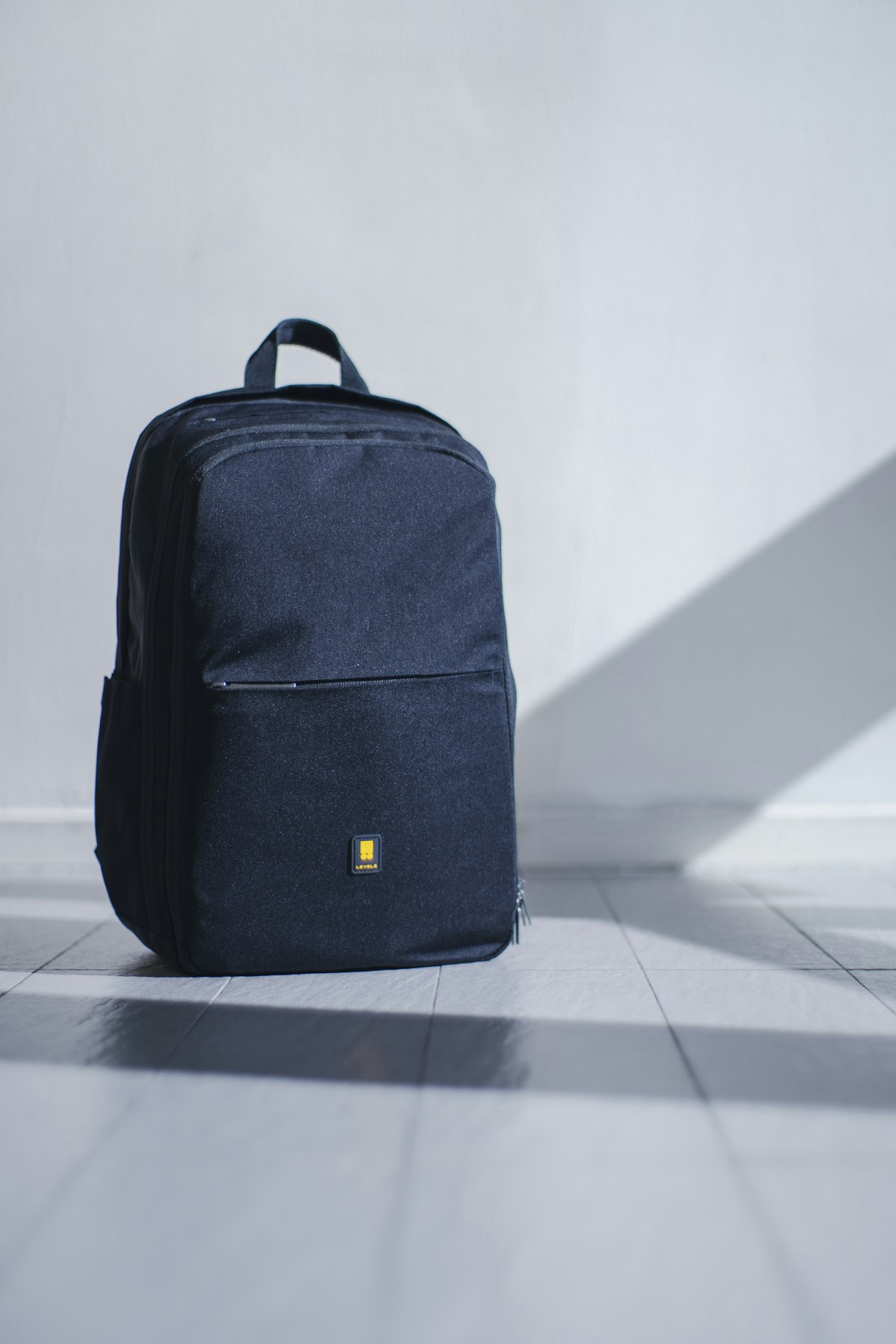
The MOQ 1 model (Minimum Order Quantity of 1 piece) has quietly changed the math for small Shopify sellers. You can list a custom backpack, a personalized mug, or an acrylic family plaque in your store, take the order, and have a supplier in Vietnam or China make and ship that one single item directly to your customer. You never touch the product. You never buy inventory upfront.
This guide walks you through exactly how to make that work — not the theory, but the actual steps.
Why MOQ 1 Changes Everything for Shopify Sellers
 Two skateboards with detroit michigan text
Here's the traditional problem: custom products are expensive to prototype, minimum orders are high, and if your product doesn't sell, you're stuck with boxes of inventory in your garage.
MOQ 1 flips that on its head.
You're essentially running a zero-inventory business. Your upfront cost is the time it takes to set up your Shopify store and list products. The supplier only makes something when someone actually pays you for it.
For POD products specifically — things like personalized gifts, branded merchandise, custom apparel — this model fits naturally. Every item is already made-to-order by definition. The customer expects it to take a few days. There's no weirdness in telling someone "your custom item ships in 5–7 days."
The tricky part is finding the right supplier and setting up your store so the whole thing runs without you babysitting every order.
Step 1: Choose Products With Actual Demand (Not Just What You Like)
Before anything else, don't start with "what do I want to sell." Start with "what are people already buying."
A few categories that consistently perform well for Shopify POD sellers:
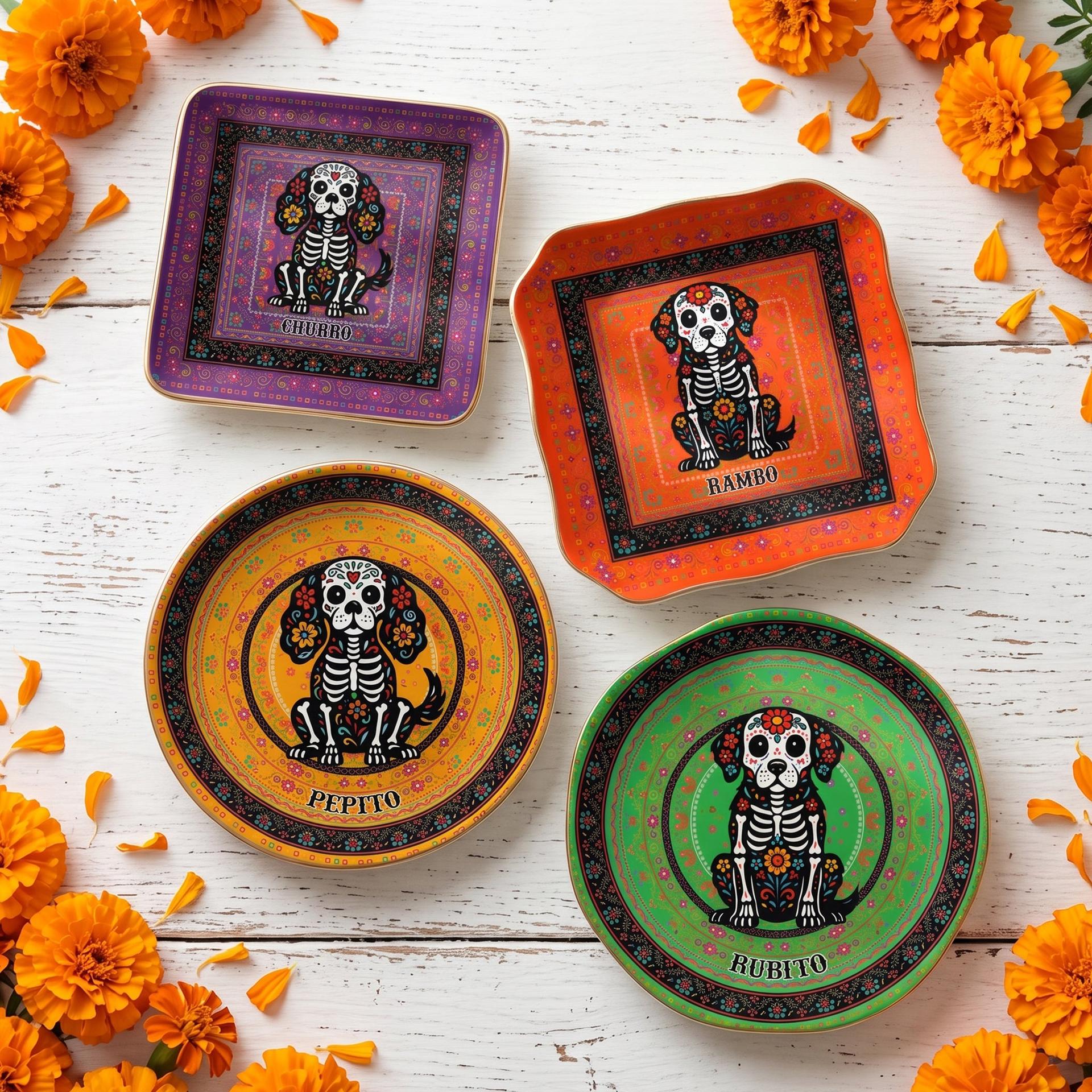
- Personalized home decor — acrylic plaques, canvas prints, custom signs
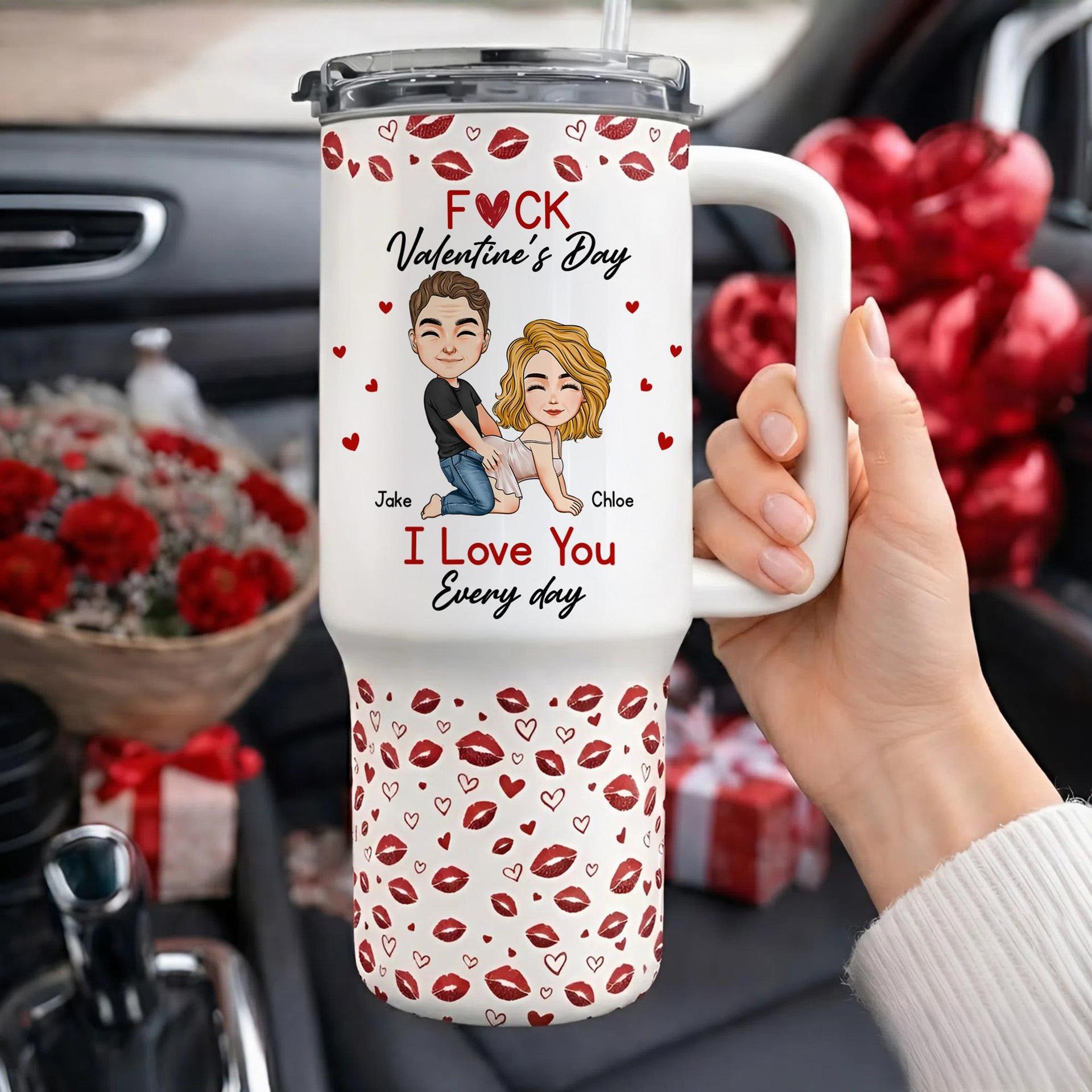
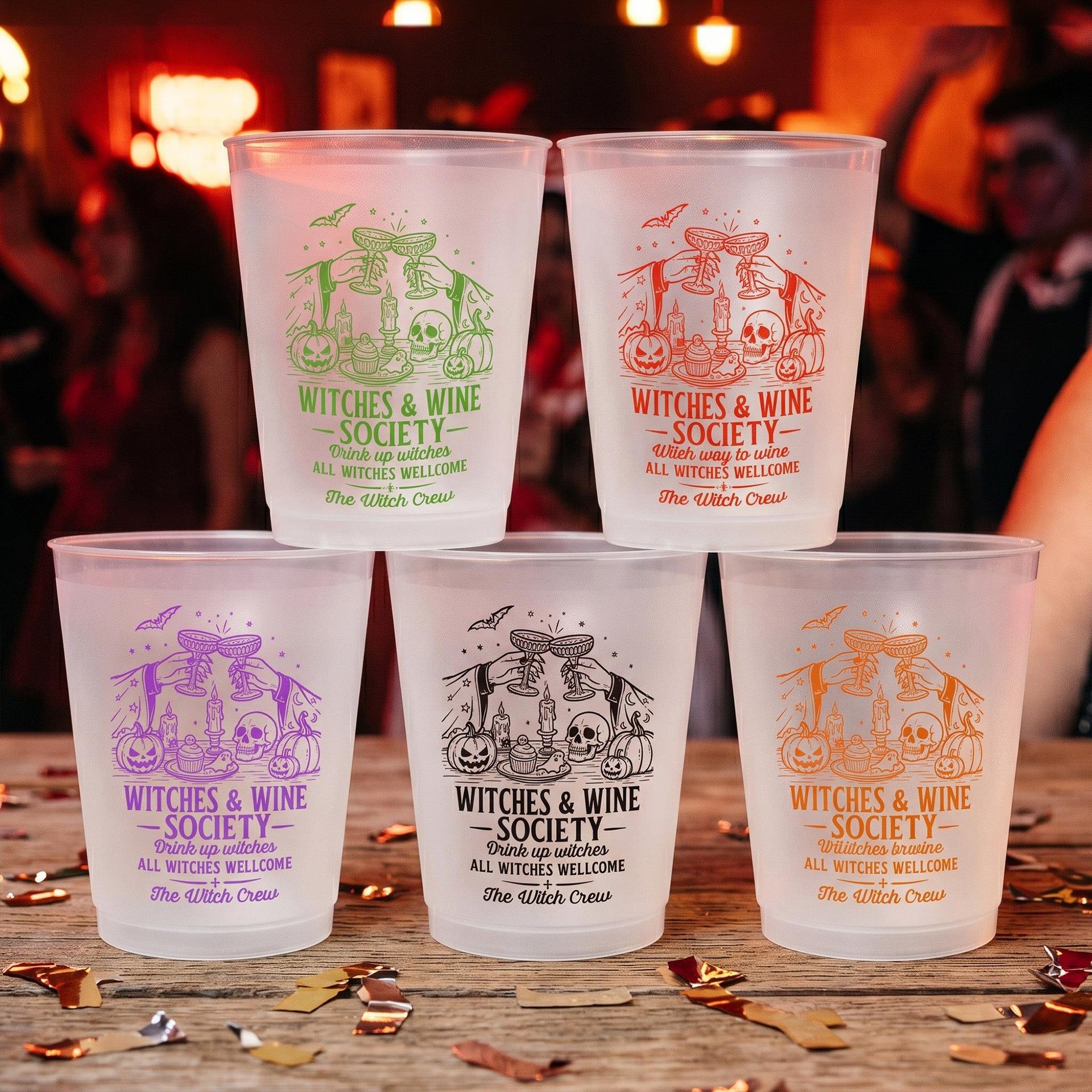
- Custom drinkware — mugs, tumblers, water bottles with names or dates
- Custom apparel — hoodies, t-shirts, especially around sports teams or family reunions
- Novelty gifts — graduation gifts, baby gifts, anniversary items
The keyword here is personalized. When someone can put their family's name, a wedding date, or a pet's face on something, they're much less likely to price-shop you against Amazon. That's your margin.
A quick way to validate demand: search your product idea on Etsy. If there are sellers with hundreds of reviews and recent sales, the market exists. If Shopify stores appear in Google results for that product, even better.
Step 2: Find a Supplier Who Actually Does MOQ 1
This is where most guides get vague. "Find a reliable supplier" — cool, thanks.
Here's what to actually look for:
1. Explicit MOQ 1 policy. Some suppliers say MOQ 1 but actually require bulk for custom options. Ask specifically: "Can I order one unit with a custom design and have it shipped to a customer in the US?"
2. Blind dropshipping. This means no supplier branding on the package — no invoice, no "Shipped from MCDFL" sticker. Your customer should think the product came from your brand. Any serious POD supplier does this by default; if they won't, move on.
3. Direct R2/CDN-hosted product images. When a supplier provides high-resolution product images that you can use freely on your Shopify store, you save hours of mockup work.
4. Clear production timeline. For custom products, 3–7 business days of production time is normal. Be skeptical of anyone claiming same-day turnaround on truly custom items.

Step 3: Set Up Your Shopify Product Listings the Right Way
A lot of Shopify sellers list their POD products and wonder why they get no sales. Usually it comes down to one of three things: bad photos, vague descriptions, or not enough variants.
On photos: If your supplier gives you real product photos (not just white-background renders), use them. Real photos of the item in a lifestyle setting — on a shelf, in someone's hands, next to a coffee — dramatically increase perceived value.
On descriptions: Don't list specs. Tell a story. Instead of:
Material: Polyester. Size: 30cm x 40cm. Custom printing available.
Try:
There's that moment when someone opens a gift and you see their face change — that's what this is for. This custom acrylic plaque is made to hold the names, dates, and details that actually matter to someone. MOQ 1, ships worldwide.
See the difference? One is a warehouse listing. The other sells.
On variants: For custom products, make it easy for the buyer to give you their personalization info. Use Shopify's "Add a note to your order" feature, or use a free app like Infinite Options to add a text field where customers input their name, date, or custom message.
Step 4: The Fulfillment Loop (What Actually Happens When Someone Orders)
Let's walk through a real order scenario so you understand the moving parts:
- Customer places order on your Shopify store. Pays full price. You receive the money (minus Shopify's fee).
- You receive an order notification. At this point, you still haven't spent anything.
- You place a fulfillment order with your supplier. You send them the order details — the customer's shipping address, the custom personalization info, and the product specs. You pay the supplier's wholesale price at this point.
- Supplier produces the item (typically 3–7 days for custom products).
- Supplier ships directly to your customer. In blind dropshipping, the package has no supplier branding.
- Supplier sends you a tracking number. You update the order in Shopify and the customer gets a shipping notification.
Your profit is the difference between what the customer paid you and what you paid the supplier. On custom POD products, a 2x–4x markup is typical and expected by buyers.
Step 5: Automate What You Can, Especially at Scale
If you're doing 1–2 orders a day, manual fulfillment is fine. When you hit 10–20 orders a day, it becomes your full-time job.
A few automation options to set up early:
- Email templates for personalization follow-up. If a customer forgets to include their custom text in the order note, have a canned email ready that asks for it.
- Order management spreadsheet or tool. Even a simple Google Sheet that tracks order date, supplier order status, and tracking number saves you from chaos when multiple orders are in flight.
- Shopify order tags. Tag orders by their status (e.g., "sent-to-supplier," "in-production," "shipped") so your dashboard stays clean.
What to Charge: A Real Pricing Framework
Here's a simple way to think about pricing custom POD products on Shopify:
| Cost Category Example | |
| Supplier cost (product + production) | $8.00 |
| Shipping to customer | $4.50 |
| Shopify + payment fees (~5%) | ~$1.50 |
| Your break-even | ~$14.00 |
| Recommended retail price | $28–$38 |
At $32, you're making roughly $18 on each sale. The customer gets a personalized, made-to-order item that they'd pay $45+ for on Etsy.
Common Mistakes That Kill New Shopify POD Stores
Setting shipping expectations wrong. If you say "ships in 1–3 days" but the item takes 7 days to produce and another 7 to ship internationally, you'll have chargebacks and bad reviews. Be honest.
Not testing with a real order first. Before you start selling to customers, order one item to yourself. See the packaging, the print quality, the actual production timeline.
Selling too many things at once. Start with 5–10 products max. A focused store almost always outperforms a general one in search rankings too.
Ignoring returns policy. Custom items are typically non-returnable. Make this crystal clear in your store policy before someone orders.
The Supplier Conversation to Have Before You Commit
Before you lock in a supplier relationship, ask these questions:
- "Can you confirm that you do MOQ 1 on fully custom products — name/date printed to order?"
- "Do you ship blind, with no mention of your company on the package or invoice?"
- "What's your average production turnaround for [product type]?"
- "Can I use your product photography on my Shopify store?"
- "What's your policy if a product arrives damaged or with a printing error?"
A good supplier answers all of these confidently and without hesitation.
Quick-Start Checklist
- Pick 1–2 product categories with proven demand
- Find a supplier with explicit MOQ 1 + blind dropshipping policy
- Order a test product to yourself before listing publicly
- Build 5–10 product listings with real photography and story-driven descriptions
- Add a personalization input field to each product page
- Write a clear return/exchange policy that sets expectations for custom items
- Set up a simple order tracking system (even a spreadsheet works at first)
- Price at 2.5–3.5x your total landed cost
Final Thoughts
The MOQ 1 model works. But it works because it's hard to find suppliers who do it well, price competitively, and ship reliably. Most sellers who try this and give up do so because they picked the wrong supplier — not because the model is broken.
If you've been eyeing a product category and waiting for the "right time" to test it — the MOQ 1 model is specifically designed so that the cost of being wrong is almost nothing. You list, you test, you iterate.
That's a better deal than most businesses get.
At MCDFL, we work exclusively with Shopify and Etsy sellers who need MOQ 1 custom products shipped directly to their customers — no minimum, no upfront inventory, no branding. Browse our full product catalog →
About the Author: Marcus Webb
E-Commerce Growth StrategistShopify seller turned growth consultant. Helps POD store owners scale through paid ads, SEO, and catalog strategy. Read full profile →
Ready to Explore MCDFL's Product Catalog?
Browse 500+ factory-direct POD products and contact us to set up your B2B partner account.
Explore Products